 mamal
mamalReports
Numbers your accountant will hug.
Sales, taxes, payouts, tips and food cost in one place. All of it exports in a single click, on the grounds that it was your data in the first place.
Everything exports in one click
Close in minutes
Sales, taxes, payouts, tips and product mix, reconciled daily.
Everything exports
One click to CSV on anything you can see. It is your data.
Books that tie out
Posted to QuickBooks, then read back and checked to the cent.
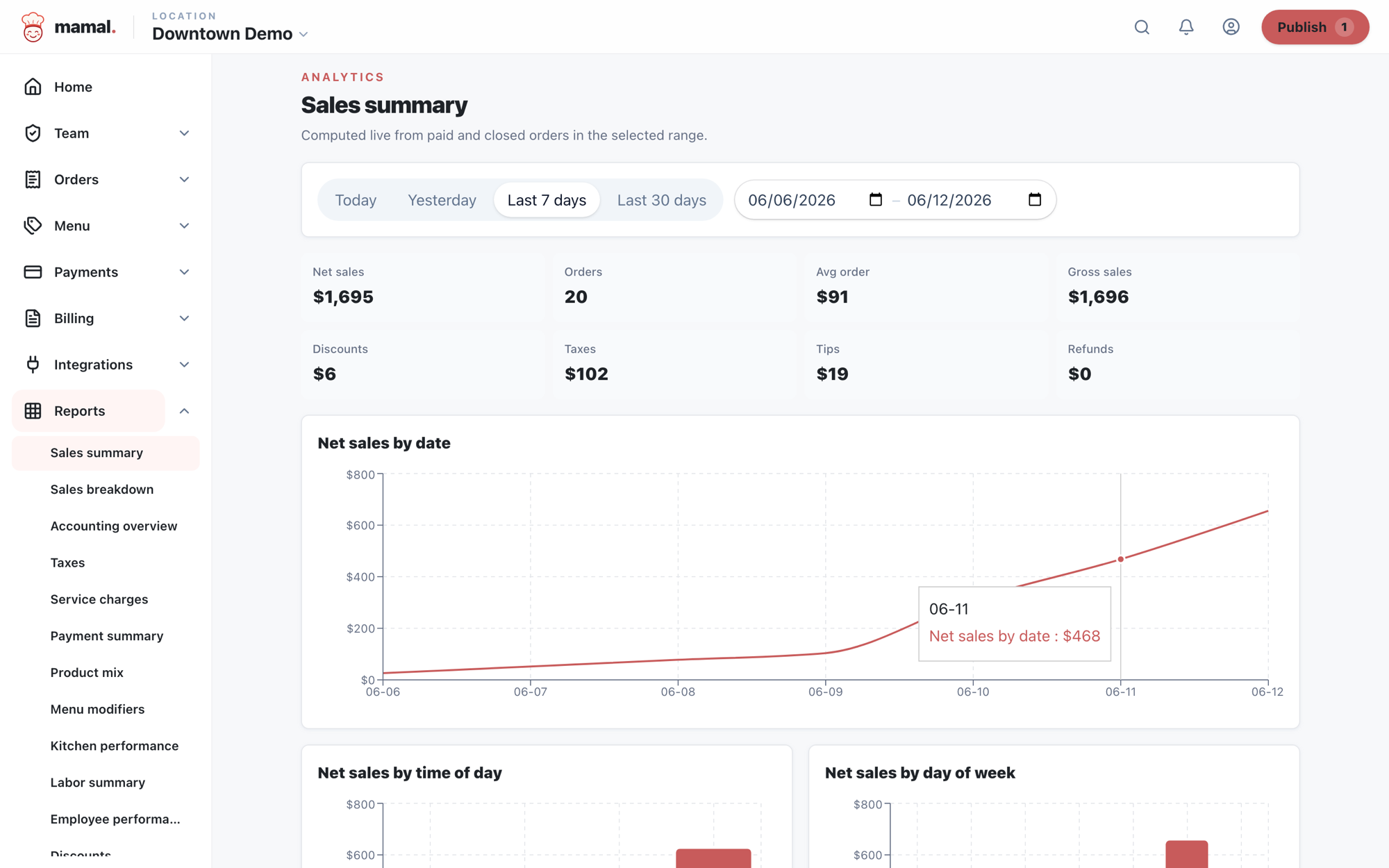
Close the day in minutes, not spreadsheets.
- Sales, taxes, payouts, and product mix, reconciled daily
- Tips and labor roll up payroll-ready
- One-click CSV export of anything you can see

Know your margins before they know you.
- Inventory kept as a ledger, where every movement drives both the on-hand count and your COGS
- Recipe costing shows what each plate actually costs
- Food-cost drift turns up in the numbers while you can still do something about it
The thing you actually open
Your close, on one screen.
Most nights this is the only report anybody looks at, so it is the one we spent the longest getting right.
- Gross sales$8,412.50
- Discounts−$186.00
- Comps−$74.25
- Net sales$8,152.25
- Sales tax$672.56
- Tips$1,394.80
- Gift cards sold$150.00
- Expected deposit$10,369.61
Every line drills into the checks behind it, and the whole thing exports to CSV. If the expected deposit and the real one disagree, the settlement report tells you which batch to look at rather than leaving you to guess.
Screenshot to capture
The real daily close with demo data, and a food-cost report showing margin by item
Source: admin.mamal.shop reports, demo tenant, full-width